
When Does Your Restaurant Need a Visual Identity Update?
Assess clarity, consistency, and brand fit before changing the logo, then define what actually needs improvement.
When a restaurant’s page looks inconsistent, changing the logo can seem like the obvious answer. Yet the problem might be conflicting colors, inconsistent photography, or a hard-to-read menu. Identify what is not working before deciding whether to organize existing assets, refine part of the identity, or build a broader system.
01 Collect touchpoints and define the problem
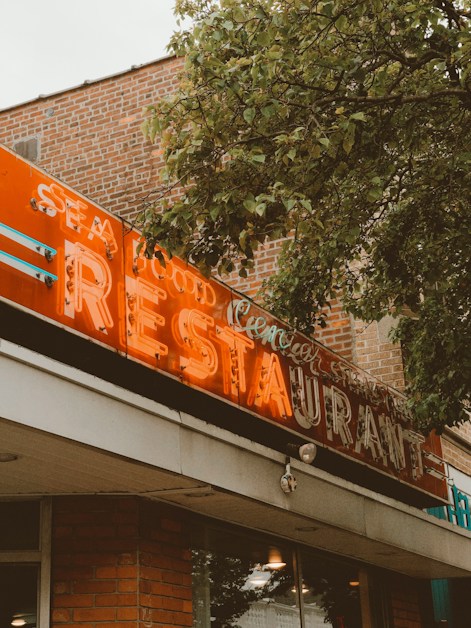
Place the logo, menu, packaging, signage, and digital profiles together. Do they look like the same restaurant? Is the name readable at real usage sizes? Can the team find approved files? Record specific examples rather than simply calling the identity outdated.
The solution may be consistent files, typography, and templates, better product photography, or a clearer menu. Do not make a logo change automatic when the issue lies in execution or information. Identify what needs fixing and what already works well enough to retain.
02 Check whether the identity fits today’s restaurant
If the restaurant’s concept, audience, or presentation has changed, review whether the identity still helps explain the experience. Specify the real change: product range, occasion, service model, or expansion. Personal boredom with an existing color is not enough to define the brief.
Collect team and customer observations without treating one person’s taste as a general fact. Recurring confusion about the name or experience calls for a review of both messaging and identity. A visual change alone does not resolve product quality or service delays.
03 Define the scope and what should remain
An update can be limited to typography, colors, photography rules, and templates while retaining recognizable elements. A larger change may be appropriate if the foundations no longer serve real uses or a revised direction. Decide after reviewing examples and requirements rather than before.
Specify deliverables: logo variants, language uses, print, menu, packaging, and digital content. Agree on editable files, usage rights, revisions, and responsibility for approving information before production.
04 Test the applications and plan the transition
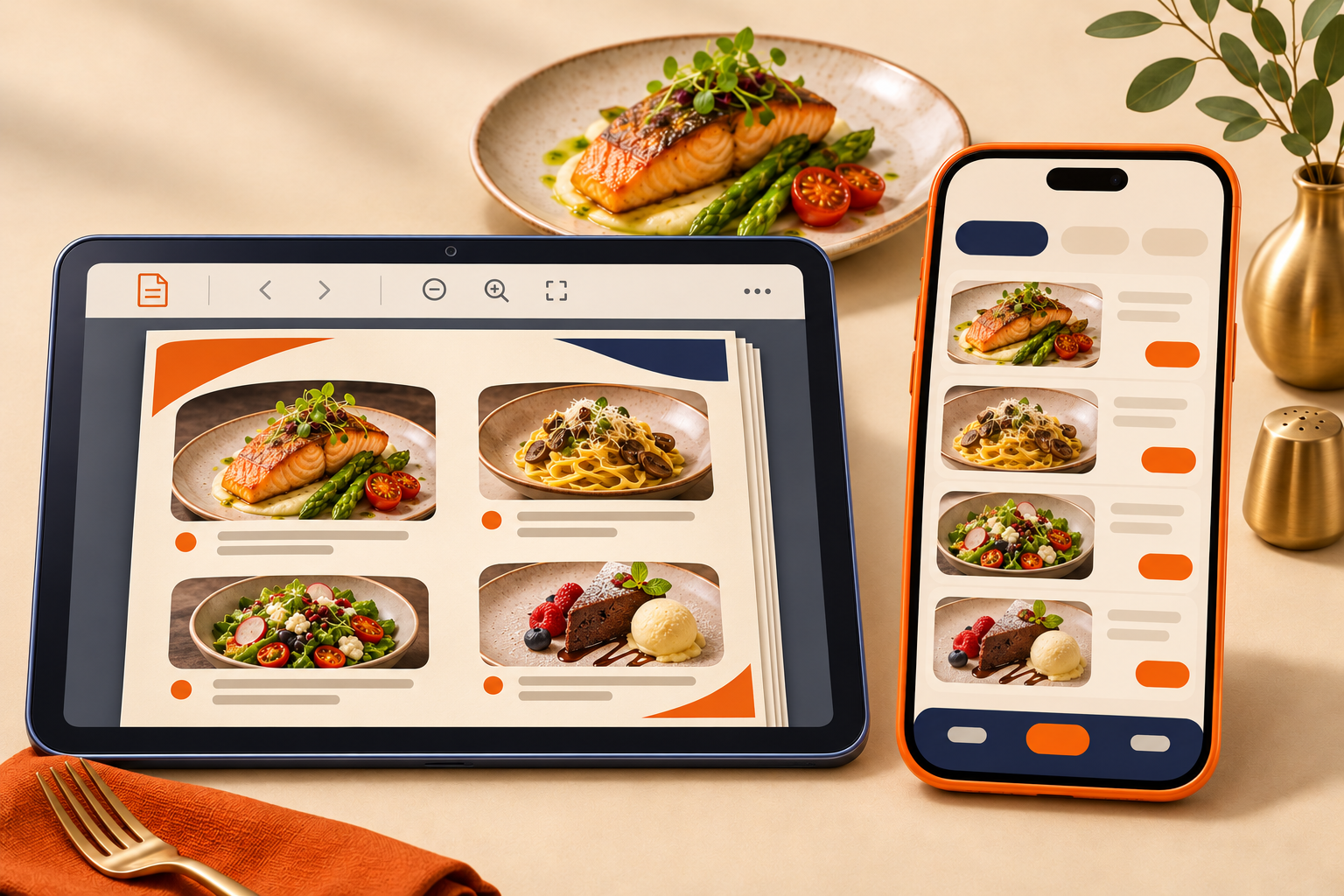
Review designs at real sizes: a small label, profile image, phone menu, and packaging item. Test clarity, consistency, and whether the team can use the files. Mockups help visualization but do not replace checks on production files and finished items.
List what will change and when, including items that can transition gradually. Coordinate restaurant information, links, and templates, and explain significant recognition changes to customers. After launch, review practical issues instead of declaring the identity successful based on likes alone.