
PDF Menu or Digital Menu: Which Fits Your Restaurant?
Compare browsing, updates, ordering options, and costs to choose a menu format that fits your restaurant’s actual needs.
A QR code on a table does not tell you how the menu works: it can open a PDF or a web page. Choose according to customer needs and the team’s ability to maintain it rather than the technology label alone. First identify the problem: readability, frequent price changes, or a need for clearer details and ordering options.
01 Start with the customer’s phone experience
Open the menu on a phone you did not use for design. Can a customer read names and prices without repeated zooming, find a category, and understand meal contents? Check loading, images, and language, not just the designer’s desktop view.
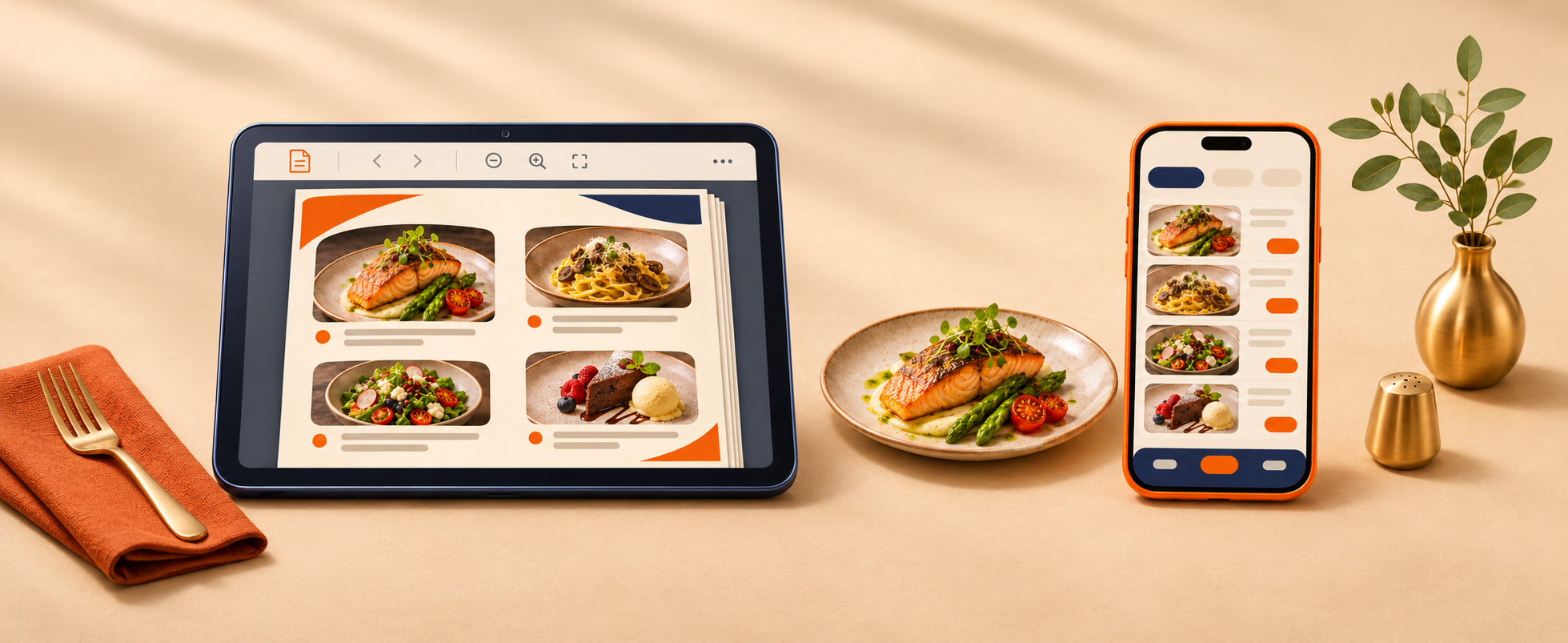
A PDF can work well when designed for its intended use, while a print-first file may require awkward zooming on a phone. A web menu can also be clear or cluttered and slow. Evaluate the actual implementation rather than assuming the format guarantees a good experience.
02 Compare updates and who owns them
For a short, stable menu where a shareable file meets the need, a well-designed PDF may be sufficient. Assign an owner to edit it and replace outdated versions, then test the link after each change to prevent conflicting prices.
For frequently changing dishes, images, or prices, discuss the update process for a web menu. A website does not automatically include a simple dashboard. Ask what staff can edit, what requires a developer, and how hosting and support costs and responsibilities are handled.
03 Separate displaying the menu from taking orders
A menu might display dishes only, link to an ordering channel, or include a cart and form. These are different features, not an automatic bundle. Write down the required journey: selection, confirmation, who receives the order, and how acceptance is communicated.
For direct ordering, agree on development scope, payment, confirmation, and availability handling. For a delivery-app or messaging link, test it and explain what happens after clicking. A menu alone does not manage the kitchen, drivers, or message responses.
04 Decide from a short requirements list
List dish count, update frequency, languages, ordering method, content ownership, and the budget for both launch and upkeep. Compare options against the same requirements. Request a mobile preview and a clear handover plan rather than attractive mockups alone.
Choose what solves the current problem and expand when a specific need appears. The answer may be a better PDF, a simple menu page, or additional functionality. Base the decision on usability and operational ownership rather than a promise that a new menu will increase sales by itself.